
Translate a video call as you listen
KaigiFlow captures your Mac's system audio, so it works alongside call apps such as Zoom, Microsoft Teams and Google Meet. It runs as its own app next to the call, and no bot joins the meeting.
How it works next to a call
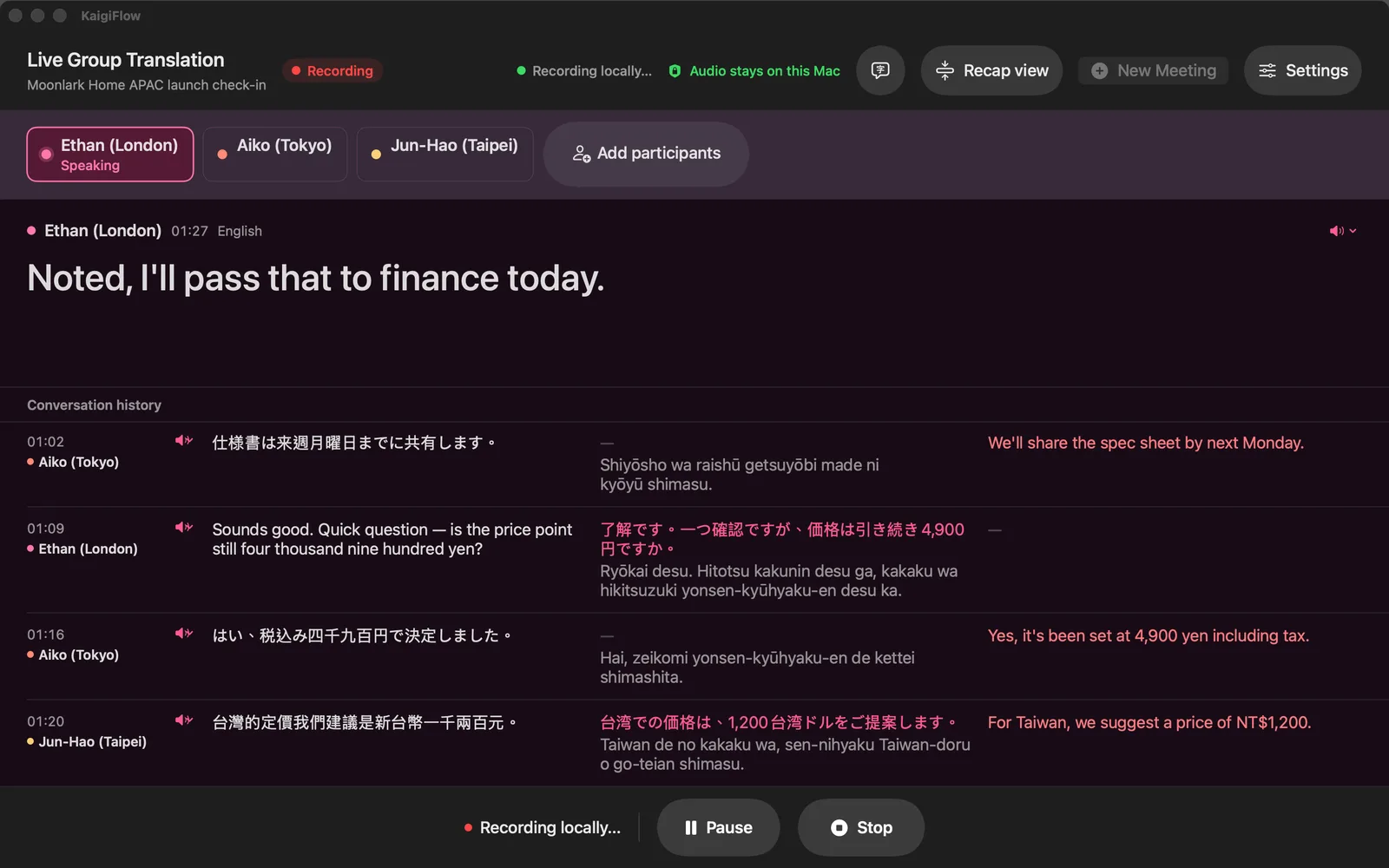
Join the call as you normally do. Start KaigiFlow on the same Mac and choose the Mac's system audio, or your microphone. It shows each sentence as text with a translation under it, a few seconds after the sentence is spoken.
Nothing is added to the meeting: no extra participant, no bot, nothing for the other people on the call to approve.
What you need
macOS asks you to allow Screen & System Audio Recording once, so KaigiFlow can hear the call's sound. KaigiFlow works from sound only. It reads the audio and shows text; it does not capture the video or the shared screen.
When a separate record helps
KaigiFlow gives you a record you can replay sentence by sentence, with speaker names you control. It works the same on any call and in a room with people in it.
A separate app
KaigiFlow is its own product. It is not part of, and not endorsed by, Zoom, Microsoft or Google.
Honest limits
- KaigiFlow is in beta.
- Live text arrives a few seconds after each sentence is spoken. It is not instant.
- Which languages you can use depends on your device. See the Languages page.
- AI-generated. Check important details before you rely on them: names, figures and terms especially.
Join the beta
We're opening the beta in small groups. Join the list and we'll write to you as places open.
Beta for Mac, iPhone and iPad